Already familiar with Power BI writeback?
Commited to a Microsoft Strategy – Now what?
Adopting
Microsoft Power BI is rarely just a technology decision — it is a strategic commitment to working smarter with data. For many organizations, it marks the beginning of a larger transformation: breaking down silos, increasing transparency, and empowering decision-makers at every level.
But once reporting is centralized and insights are flowing, a new question often emerges:
What’s next?
Maturing a Microsoft strategy is about more than adding dashboards. It is about strengthening the connection between insight and action. As organizations grow more comfortable relying on data to guide decisions, they begin to identify opportunities to streamline processes, reduce manual work, and eliminate disconnected workflows that still live outside the analytics environment.
Often, the biggest inefficiencies are not found in analysis — but in the steps before and after it. Data may still be collected in spreadsheets. Inputs may be gathered through email chains. Planning processes may require manual consolidation across departments.
Expanding your Microsoft strategy means looking beyond visualization and asking how the platform can support the full decision cycle — from insight to collaboration to execution.
And that is where the conversation becomes particularly interesting.
Insight to Action: Closing the Loop in Power BI
As organizations expand their Microsoft strategy, one realization becomes increasingly clear: dashboards alone do not eliminate process inefficiencies.
Power BI excels at delivering insights. Leaders can track performance in real time, compare budgets to actuals, and identify trends across departments with just a few clicks. But in many cases, when action is required, users are forced to leave the environment.
- Data is exported.
- Spreadsheets are updated.
- Inputs are collected manually.
- Files are consolidated — again.
This disconnect between insight and input creates friction. It reintroduces version control issues, increases administrative overhead, and slows down decision-making. To truly mature a data strategy, organizations must close this gap. The analytics layer and the operational layer need to work together — not separately.
This is where
Writeback enters the conversation.
Writeback enables users to not only analyze data within Power BI, but also to contribute to it directly. Instead of working in parallel systems, stakeholders can interact with validated data inside the same environment where decisions are made. Rather than Power BI being the final stop in the data journey, it becomes part of a continuous cycle — where insights lead directly to structured action.
And once companies begin exploring this capability, they quickly discover that there are multiple ways to approach it.
Exploring Your Writeback Options
Once organizations decide to close the gap between insight and action, the next step is understanding how Writeback can be implemented within their existing Microsoft ecosystem.
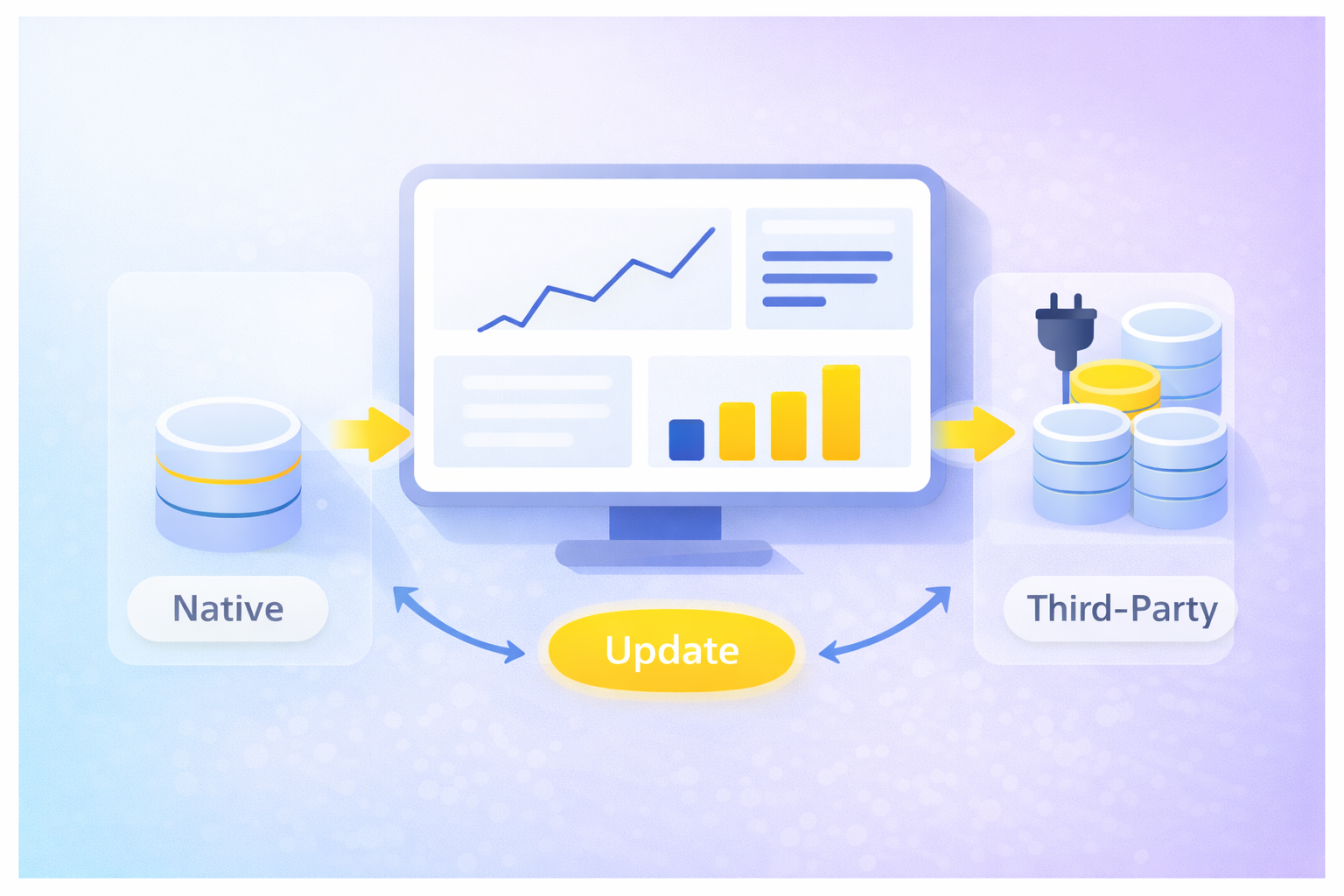
Today, there are two primary approaches: leveraging Microsoft’s native capabilities or extending Power BI through specialized third-party visuals.
Native Microsoft Functionality
Microsoft’s own approach to Writeback comes in the form of
Translytical Task Flows. This feature introduces two-way interaction directly within Power BI, allowing users to modify data that is stored in
Microsoft Fabric.
For organizations deeply invested in the Microsoft stack, this offers an attractive proposition:
- Native integration within the ecosystem
- Data stored directly in Fabric
- No reliance on external tools
However, there are considerations.
As of early 2026, Translytical Task Flows remain a preview-level feature. While powerful, they require Fabric and often involve a technically demanding setup. Functionality can also be limited — for example, editing one record at a time may not support broader planning or forecasting processes.
For some companies, this will be sufficient. For others, scalability and flexibility become deciding factors.
Third-Party Writeback Visuals
Over the past several years, a growing number of vendors have focused specifically on enhancing Power BI with professional-grade data entry capabilities. These solutions are typically available through Microsoft AppSource and are designed to extend the Power BI experience rather than replace it.
Many of these tools offer:
- Mature and feature-rich data entry functionality
- Multi-cell editing and structured planning capabilities
- Support for governance models such as Row-Level Security
- Trial access for evaluation
At the same time, the vendor landscape can be complex. Different architectural approaches, pricing models, infrastructure requirements, and levels of transparency mean that due diligence is essential.
Some tools introduce additional infrastructure layers. Others require engagement through partner sales channels before full technical documentation or pricing is available. And depending on internal capabilities, implementation may require dedicated technical resources.
Choosing the right approach is not simply about enabling Writeback — it is about aligning functionality, governance, and scalability with your broader Microsoft strategy. And this is where clarity of architecture and transparency begin to matter just as much as features.
From Capability to Practical Implementation
As organizations evaluate Writeback options, the conversation often shifts from “Can we do this?” to “How should we do this?”
At this stage, the decision is rarely just about features. It becomes a question of architectural fit, governance alignment, transparency, and long-term scalability.
Some solutions introduce additional infrastructure layers. Others require separate environments, external data storage, or entirely new interfaces for end users to learn. While these approaches may deliver functionality, they can also add complexity — especially for companies that have intentionally built a streamlined Microsoft ecosystem.
For many organizations, the ideal solution extends Power BI without moving away from it.
That means:
- No additional platforms to maintain
- No unnecessary changes to existing governance models
- No steep learning curve for end users
- Clear documentation and transparent pricing
When these criteria are met, Writeback becomes more than a technical enhancement. It becomes a natural evolution of the reporting environment — supporting structured input, collaboration, and governance without fragmenting the ecosystem.
In other words, the goal is not simply to enable data entry. The goal is to close the loop between analysis and execution in a way that strengthens — rather than disrupts — your Microsoft strategy.
An Architecture-Aligned Approach
A practical example of this philosophy can be seen in the
accoTOOL suite.
Rather than positioning Writeback as a single, generic feature, the suite addresses different business scenarios separately — reflecting the reality that planning, master data management, and collaboration require different types of interaction.
Within this framework:
Each capability is designed to operate within Power BI, integrate with SQL databases, and inherit existing governance structures such as Row-Level Security. The intention is not to introduce another platform or external layer — but to extend the Power BI experience in a way that feels native and controlled.
For organizations looking to mature their Microsoft strategy without increasing complexity, this type of architecture-first approach often becomes the defining factor in selecting a Writeback solution.
When done right, Writeback does not feel like an external add-on. It feels like the next natural step in the evolution of your Power BI environment.
Want to know more about Power BI writeback solutions?
Frequently asked questions
Does Microsoft provide a native writeback solution?
Yes, Microsoft does provide a native writeback solution. Sort of...
Microsoft's native Power BI writeback solution is called Translytical Task Flows, and requires a license to their Fabric capacity. However, compared to the well-established Power BI add-ons in the market, Microsoft's own writeback capabilities lacks features, flexibility, and simple setup.
Read more here