Power BI Planning Software
Planning inside Power BI changes the pace of decision-making. Instead of moving data into spreadsheets, reconciling versions, and waiting for updates, teams can budget, forecast, and review performance in the same environment where they already analyze results.
That shift matters for finance, operations, sales, and business intelligence teams that want faster planning cycles, tighter control, and a clearer path from input to action.
Native Power BI planning software for budgeting and forecasting
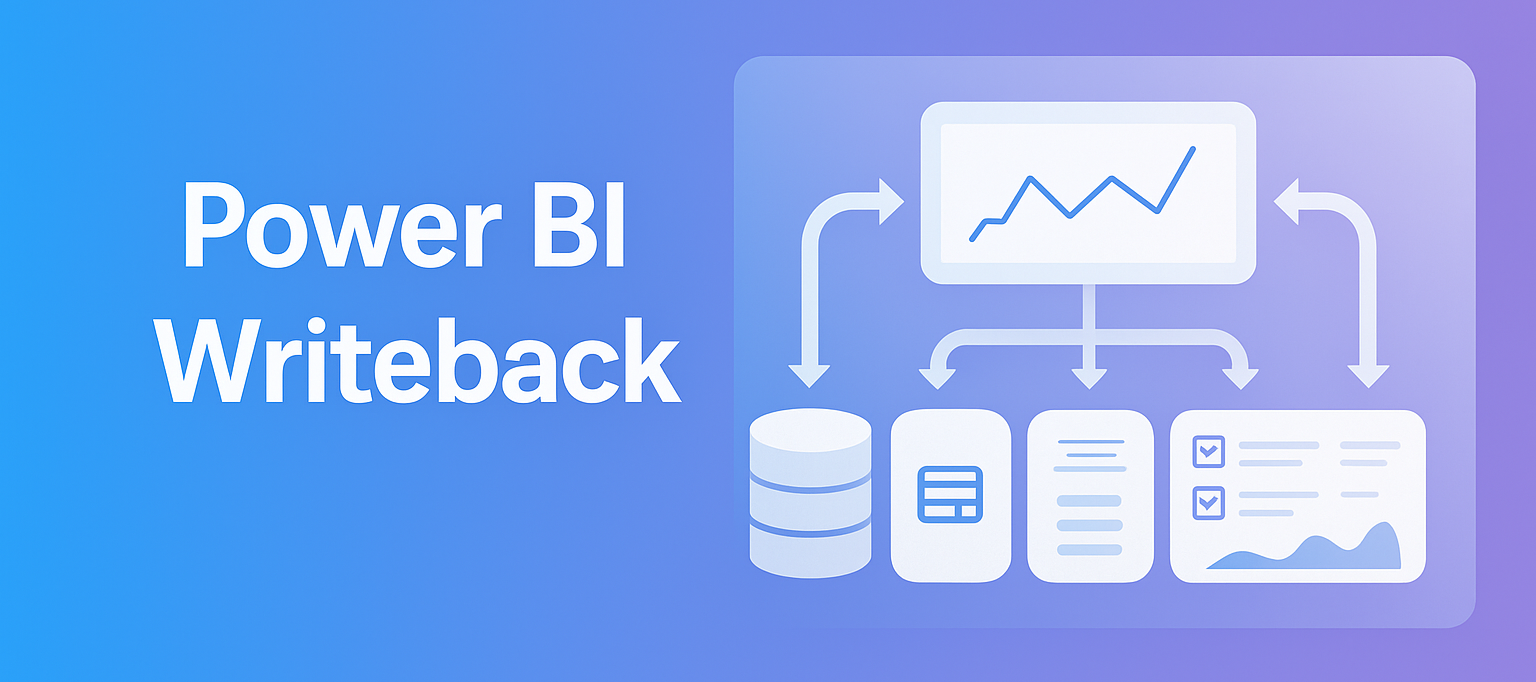
Power BI is excellent for reporting, but many organizations still need a practical way to edit values, capture assumptions, manage versions, and write data back to a database. That is where dedicated Power BI planning software becomes valuable.
accoTOOL brings planning directly into Power BI with a grid-style input experience that feels familiar to spreadsheet users while staying connected to the Power BI model. Budgets, rolling forecasts, driver-based plans, and comments can be entered inside reports, with updated values reflected in charts, KPIs, and tables right away.
This creates a more unified planning process. Analysts work in the same reports used by leadership. Department managers enter figures in context. Finance can review changes with better visibility and less manual consolidation.
After teams adopt this model, the usual friction points begin to fade:
- Spreadsheet version issues
- Delayed reporting updates
- Duplicate data entry
- Disconnected commentary
- Manual reconciliation work
Power BI planning features that support real business processes
The value of planning software is not just data entry. It is the ability to structure planning work so users can move from assumptions to decisions without leaving the BI environment.
accoTOOL supports that with writeback visuals and related modules for planning, comments, and master data maintenance. The planning experience can include numeric inputs, text, dates, validations, and custom calculations, all connected to existing Power BI reports.
- Grid-style input: Direct entry for budgets, forecasts, and operational plans
- Real-time writeback: Updated values saved to SQL and instantly reflected in visuals
- Existing model reuse: Planning on top of current Power BI data models without special schema changes
- Validation rules: Improved data quality with guided input and fewer mistakes
- Scenario support: Versioning, what-if analysis, and rolling forecast processes
- Commenting and workflow: Contextual notes, review cycles, and audit-friendly collaboration
- Master data editing: Maintenance of lists, attributes, and planning structures directly in Power BI
Because the solution is native to Power BI, users keep familiar slicers, filters, drill paths, and security patterns. That lowers adoption barriers and helps teams move faster from implementation to daily use.
It also means planning becomes more contextual. A sales manager can enter a forecast while looking at pipeline trends. An operations lead can adjust cost assumptions while reviewing volume drivers. Finance can validate inputs while monitoring consolidated impact in the same report.
Power BI budgeting software with real-time writeback
A planning process becomes far more useful when entered values do not sit in isolation. Real-time writeback is a major advantage because it allows every input to feed the wider reporting model without waiting for exports or overnight refresh workarounds.
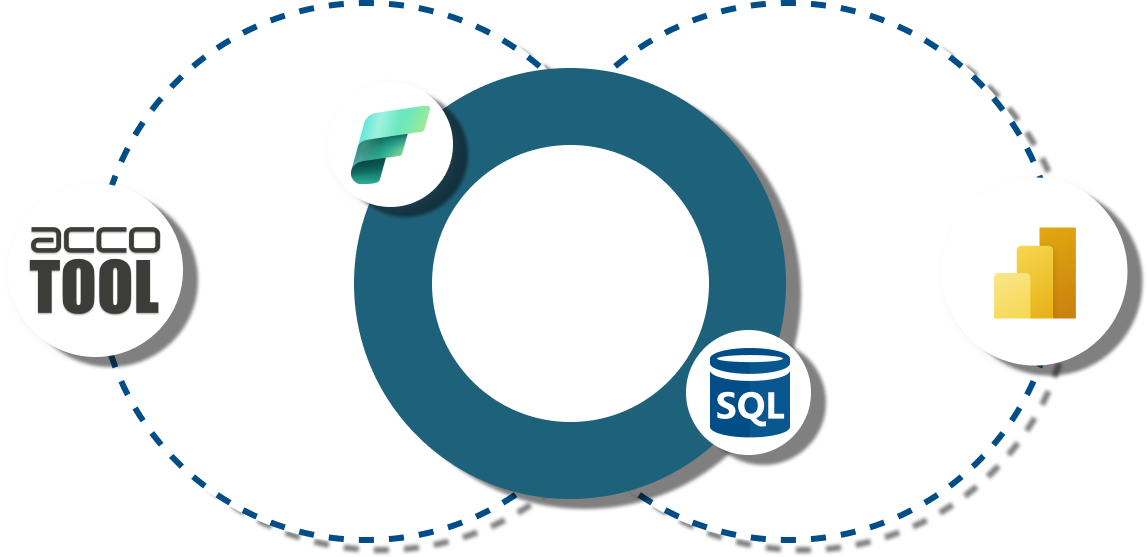
accoTOOL writes planning data back to SQL Server environments, including Azure and on-premises deployments. This supports a strong balance between flexibility and control. Organizations can keep their preferred Microsoft data architecture while adding interactive planning capabilities to reports already in use.
That architecture is especially effective for teams that want a single source of truth across planning and reporting. It avoids the common pattern where budgets live in one tool, commentary in another, and dashboards in a third.
A strong writeback setup usually supports these outcomes:
- Faster planning cycles: less time spent collecting and combining files
- Better auditability: tracked changes with user and timestamp visibility
- Stronger data confidence: validation and centralized storage reduce manual errors
- More responsive analysis: charts and KPIs react to changes as they happen
- Cleaner ownership: departments update their own inputs within governed reports
Power BI forecasting software for scenario planning and rolling forecasts
Forecasting needs more than historical reporting. Teams need room for scenario modeling, allocation logic, spread methods, and forward-looking assumptions that can change quickly.
accoTOOL supports rolling forecasts and planning logic inside Power BI, including flexible calculations within the planning grid. This helps teams work with operational drivers, distribution rules, and what-if changes without building a separate planning platform around the report stack.
For organizations already invested in Microsoft technology, that is a very attractive path. Existing Power BI models can remain in place while forecasting capability is added on top.
AI-assisted forecasting can also be part of the picture. With Power BI AI capabilities and connected data models, planning teams can combine human input with machine-assisted signals to refine forecasts and test alternative assumptions.
That makes the software relevant across a wide range of use cases:
- Revenue planning
- Expense budgeting
- Headcount forecasting
- Project forecasting
- Cash flow planning
- Operational target setting
Power BI planning workflow for finance, operations, and BI teams
A successful planning process depends on more than features. It depends on how well the software fits the way teams already work.
Finance teams often need structured templates, approval readiness, and version control. Operations teams need quick updates and clear ownership. BI teams want to avoid rebuilding models or introducing a separate application stack that increases maintenance.
accoTOOL is designed for that shared reality. The planning layer sits inside Power BI, which helps finance and business users collaborate without forcing a major tooling change. Reports stay central, planning becomes interactive, and writeback keeps data current.
A typical rollout can support processes like:
- Department budgeting: business owners enter and revise cost plans by area
- Sales forecasting: regional or product-level forecasts updated against actuals
- Operational planning: volume, resource, or capacity assumptions entered by local teams
- Management review: comments and status updates attached to values in context
- Master data maintenance: planning dimensions adjusted without leaving Power BI
Power BI deployment options with cloud, hybrid, and on-premises support
Deployment flexibility matters, especially for mid-market and enterprise organizations with mixed infrastructure. Some teams want Azure SQL. Others need on-premises SQL Server. Many operate in a hybrid model.
accoTOOL supports those paths by using SQL-based writeback with Power BI in cloud, hybrid, or on-premises environments. That makes it easier to fit planning into existing governance and security practices rather than forcing a new architecture decision.
The software is also available through Microsoft AppSource, which helps simplify evaluation and rollout. For many organizations, that means a shorter path from proof of concept to production use.
Because the solution works with existing Power BI data models, implementation can stay focused on business logic, permissions, and writeback structure instead of large-scale model redesign.
Why accoTOOL fits organizations already using Microsoft Power BI
For companies that already depend on Power BI, the strongest planning software is often the one that keeps the user experience close to the tools people know.
accoTOOL stands out by combining native Power BI integration, spreadsheet-like editing, SQL writeback, and modular capabilities for comments and master data. That combination supports planning maturity without adding unnecessary complexity.
It is well suited for organizations that want to move beyond spreadsheet-driven planning while staying anchored in the Microsoft analytics stack.
Key reasons teams choose this approach include:
- Native experience: planning happens inside Power BI reports
- Real-time updates: report visuals react to saved inputs quickly
- Model continuity: current semantic models and DAX logic remain useful
- Deployment choice: Azure, Fabric-oriented, hybrid, or on-premises environments
- Scalable rollout: suitable for focused team use or broader enterprise adoption
Power BI planning software use cases across the business
The best planning software does not stop at annual budgeting. It supports recurring operational decisions across functions.
In finance, that may mean monthly reforecasts, variance commentary, and controlled budget submissions. In sales, it may mean territory planning and pipeline-based forecast adjustments. In operations, it can support labor, capacity, project, and cost planning tied directly to performance dashboards.
That flexibility is one reason Power BI planning software continues to gain attention. Teams want planning to be closer to reporting, more collaborative, and easier to govern.
If your organization is already using Power BI and needs budgeting, forecasting, comments, or master data writeback, accoTOOL offers a practical path to turn reporting into an interactive planning workspace.