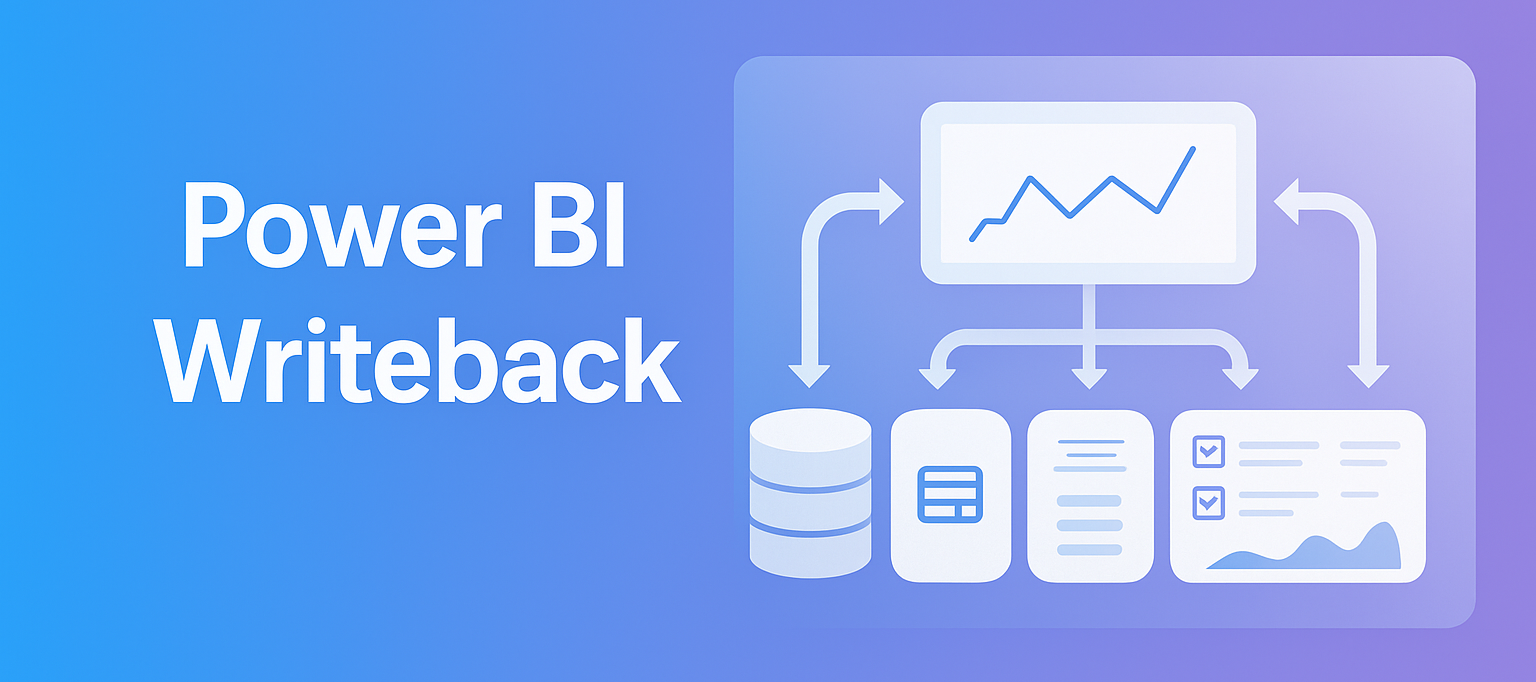
Advanced planning & forecasting in Power BI

Take Power BI to the next level with accoPLANNING

Do you want to extend the capabilities of Power BI? Learn about accoPLANNING, our specialized visual that transforms Power BI into a powerful tool for both data analysis and data entry with writeback functionality.


Discover how you can optimize your planning and forecasting processes by combining analysis with direct input!

What will you learn in this article?


How to use writeback in Power BI
How Microsoft's Power BI can optimize these processes.


Power BI visual for financial planning
Transform Power BI into both an analysis and data entry tool with writeback.


How to get started

What your company needs to integrate Microsoft Power BI.


From analytics tool to data integration

Although Power BI was originally designed as an analytics tool, Accobat has developed specialized visuals that allow Power BI to be used for both analysis and data entry.


With the writeback functionality in accoPLANNING, users can not only analyze data but also write data directly back into their systems. This is a game changer, as it turns Power BI into a dynamic tool that handles both data analysis and direct input in one unified solution.


The incorporation of writeback with accoPLANNING makes Power BI a comprehensive tool that enhances both master data management and decision-making. It enables companies to work with their data in a much more efficient and cohesive way.

"Microsoft originally designed Power BI as an analytics tool, and it typically doesn't support writeback.

With accoPLANNING, we've made it possible to write data back to a SQL database via an API, so Power BI can now also be used for data entry. I think that's really smart."


Alexander Bech, Business Advisor at Accobat

Benefits of accoPLANNING

People in a meeting room behind glass with the text

With accoPLANNING, users can update and adjust prices and budgets, as well as add comments directly within their Power BI environment.


These tools integrate writeback functionality directly into the Power BI workflow, enabling real-time updates and process optimization. The result is a more interactive and efficient data management tool.


How do I get started with accoPLANNING?

Getting started with accoPLANNING is simple. All you need is a SQL database for writeback and basic knowledge of Power BI. Since the solution leverages Power BI's existing infrastructure, companies can quickly implement it and start taking advantage of the writeback functionality.


Try accoPLANNING for free

accoPLANNING is available as a licensed solution, but you can start with a free 30-day trial. During this trial, you'll have access to our knowledge base, which includes guides and inspiration. If you're already using Power BI and have a SQL database, it's easy to implement accoPLANNING.

Take the next step

Power BI and master data management

At Accobat, we now present accoMASTERDATA, our latest writeback solution for Power BI.

accoMASTERDATA is designed to streamline data management by centralizing and standardizing your master data, ensuring accuracy and consistency across your organization.


With seamless integration into Power BI, the solution allows you to manage and maintain reliable data directly within your existing workflow, saving time and reducing complexity.


People also read...

By Mikael Iuel-brockdorff April 1, 2026
March 2026 marks another big step forward for AccoComment, and we’re very proud to see how closely our direction aligns with the broader innovation highlighted in the March updates on the Microsoft Power BI Blog. The continued focus on collaboration, AI readiness, and actionable insights confirms that contextual business input is becoming a critical part of modern analytics. More organizations are realizing that insights alone don’t drive decisions — collaboration around those insights does. That’s exactly where AccoComment for Power BI continues to prove its value. Microsoft PowerBI blog Turning Insights into Action 💬 Power BI delivers powerful analytics, but business impact happens when teams discuss, validate, and act on the numbers. AccoComment bridges that gap by embedding structured commentary directly into your reports. No more scattered emails, disconnected Teams chats, or lost Excel notes. Everything is contextual, traceable, and visible where decisions are made. With AccoComment, users can: Add comments directly to visuals, pages, or data points Tag colleagues for fast collaboration Track decision history and rationale Maintain a single source of truth for discussions Improve governance and accountability This transforms Power BI from a reporting tool into a decision platform. What’s New in March 2026 ⭐ The March release focuses on performance, usability, and governance — three areas our customers have highlighted as critical. Highlights include: Faster load times for comment threads in large enterprise models Improved notification handling for better collaboration workflows Enhanced audit logging for compliance and traceability UI refinements for a cleaner, more intuitive experience Optimized integration with Power BI Service deployment pipelines These improvements ensure AccoComment scales seamlessly across departments and enterprise environments. Proven Value Across Use Cases 📊 Organizations are already using AccoComment to strengthen: Financial close processes and variance analysis Forecasting and budgeting collaboration Executive reporting commentary Operational performance follow-ups Data quality discussions and issue tracking The common result: fewer meetings, faster decisions, and documented accountability. Why This Matters — Especially Now 🤖 The March focus in the Microsoft Power BI ecosystem emphasizes AI, Copilots, and intelligent automation. This is exactly why contextualized comments are becoming strategically important. AI models and agents perform significantly better when they have access to business-language explanations tied to data . AccoComment captures: The why behind variances Business assumptions in forecasts Operational explanations from domain experts Decision rationale from leadership This becomes a living knowledge layer that AI agents can leverage — dramatically increasing accuracy, reducing hallucinations, and improving automated insights. We’re incredibly proud that AccoComment directly supports this evolution toward AI-ready analytics. Ready to Elevate Your Power BI Experience? If your team still discusses numbers outside Power BI, you’re missing a key opportunity. AccoComment keeps conversations connected to the data, improves transparency, and accelerates decision-making. March 2026 proves it again: AccoComment isn’t just an add-on — it’s an essential layer for collaborative and AI-driven analytics. Start turning insights into decisions today. 🚀
By Mikael Iuel-brockdorff February 25, 2026
Already invested in a Power BI strategy? Discover how organizations are expanding their data strategy by connecting insights with action directly inside their analytics environment.
By Mikael Iuel-brockdorff November 7, 2025
Already familiar with Power BI writeback?
By Mikael Iuel-brockdorff October 31, 2025
Already know the basics of Power BI?
By Mikael Iuel-brockdorff October 2, 2025
What happens when the brightest minds in Microsoft Fabric, Analytics, and AI come together in one place? You get Europe’s largest Microsoft Fabric conference, packed with innovation, big announcements, and plenty of networking in the stunning Austrian capital. And once again, we were right in the middle of it. Here are our key takeaways.
Microsoft Fabric experts
By Mikael Iuel-brockdorff April 10, 2025
Updates from the Microsoft Fabric Community Conference in Las Vegas, where the best minds in data gathered to reveal game-changing updates to Microsoft Fabric!
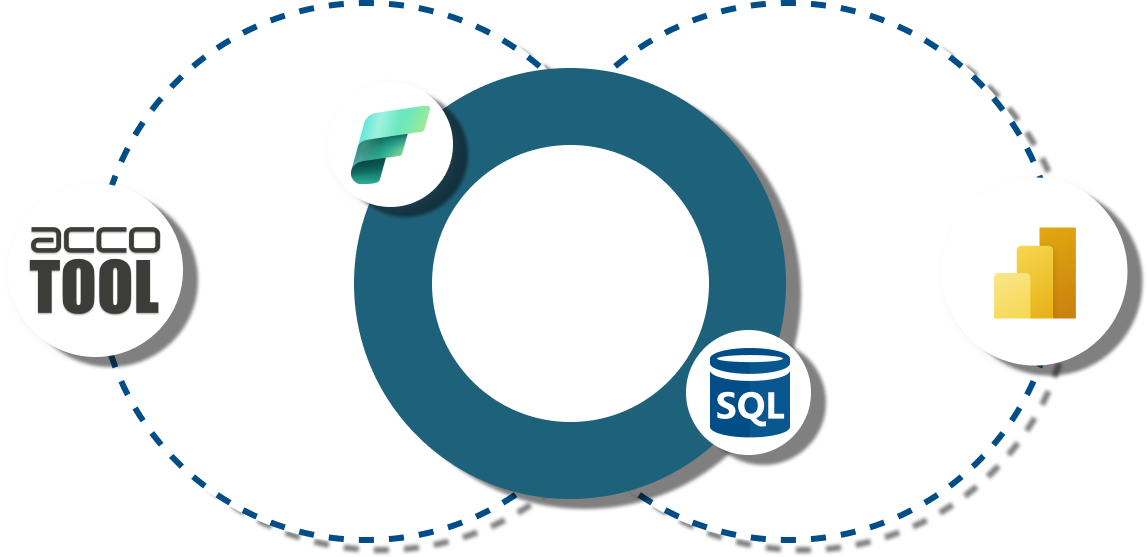
Diagram showing data flow between acco TOOL, a database, a data visualization tool, and a BI tool, connected by dashed lines.
By Mikael Iuel-brockdorff March 27, 2025
"Translytical" is yet another made-up term courtesy of Microsoft—presumably a mash-up of "Transactional" and "Analytical," because why settle for two clear words when you can create one confusing one? But once the Microsoft machine gets rolling, it won’t be long before it starts sounding perfectly natural.
By Mikael Iuel-brockdorff March 24, 2025
Getting started with accoPLANNING or accoMASTERDATA can be a game-changer for streamlining your Power BI workflows. To get the most out of your accoTOOL, it's important to approach them with a clear plan and an understanding of their powerful features. With the right strategy, you can streamline your workflows and enhance efficiency in Power BI.