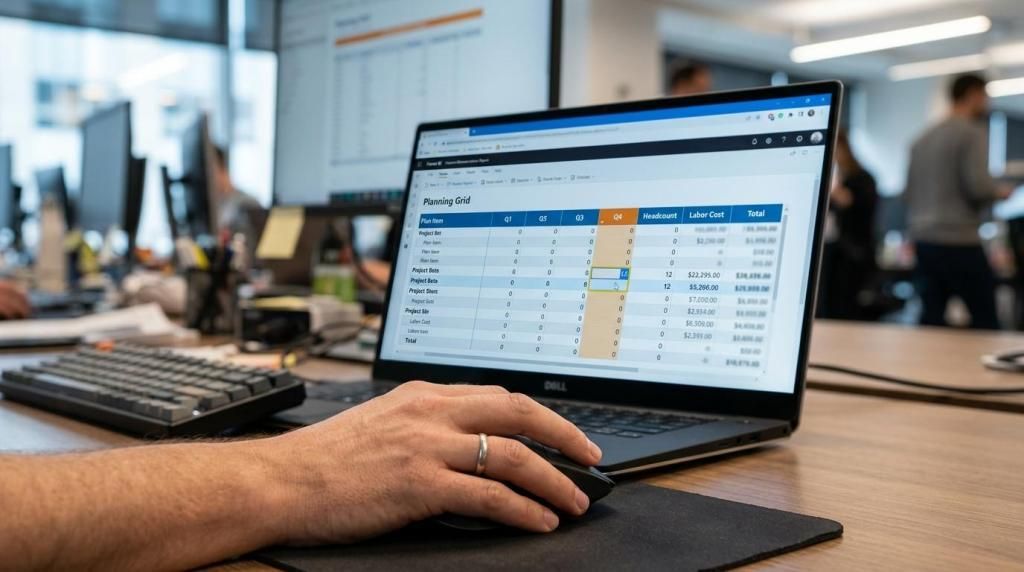
Most finance teams have excellent reporting and slow planning. The reporting layer is governed, refreshed and trusted; the planning layer is a set of spreadsheets emailed between cost centre owners. Planning analytics closes that gap by treating plan data as first-class data.
The cost of spreadsheet planning
- Version confusion: nobody is certain which file holds the approved budget.
- No audit trail: changes cannot be traced to a person, a date or a reason.
- Reconciliation work: consolidating files consumes the time that should go to analysis.
- Stale assumptions: by the time the plan is assembled, the drivers have moved.
What planning analytics adds
A single governed store for plan data, entry in the same tool used for reporting, scenario versions that can be compared instantly, and comments attached to the numbers they explain. Finance stops assembling data and starts interpreting it.
When plan and actual live in the same model, variance analysis stops being a monthly project.
Doing it inside Power BI
If Power BI is already the reporting standard, planning analytics does not require a new platform. accoPLANNING turns the report into an input surface with real-time SQL writeback; accoCOMMENT captures the narrative next to the figures; accoMASTERDATA keeps dimensions clean so plans consolidate correctly.
What changes for the team
Shorter cycles, fewer reconciliation hours, and forecasts that can be re-run when something material changes instead of once a quarter. The measurable win is usually cycle time: weeks become days.